Apple Watch Blood Pressure Feature: What It Actually Does and What It Doesn’t
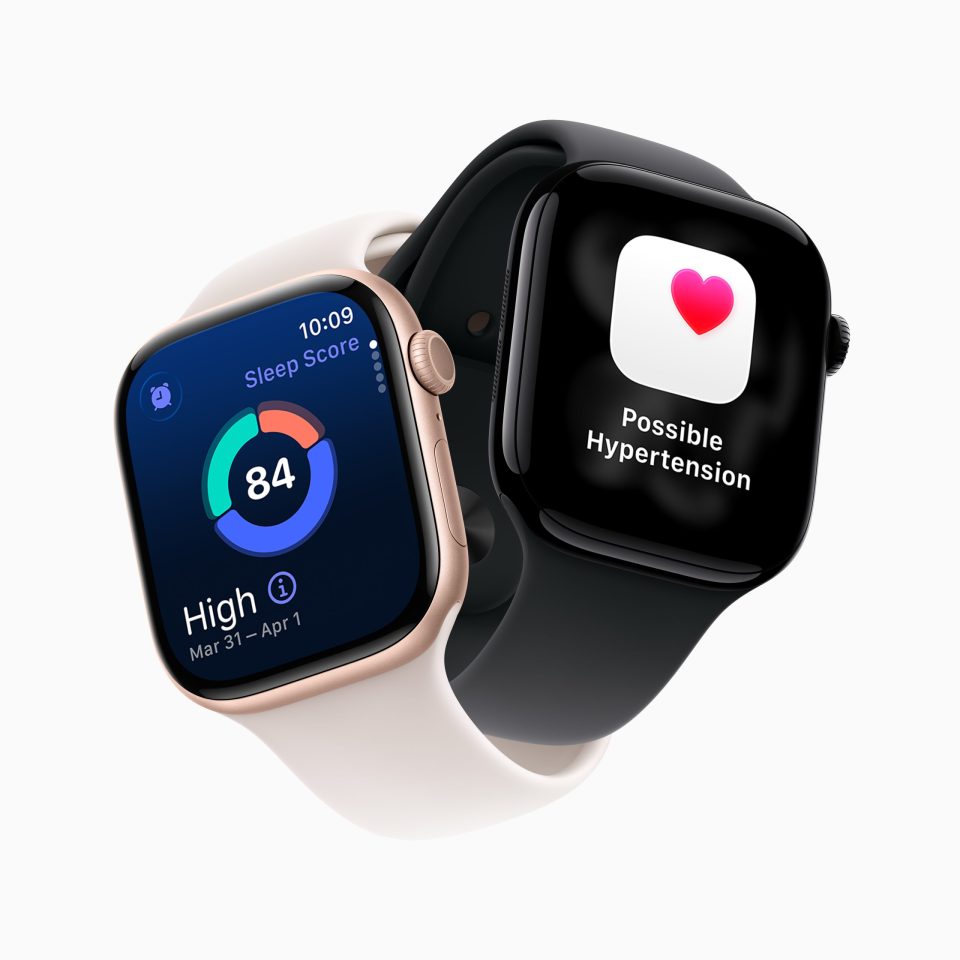

I’m going to save you from a misunderstanding that I’ve seen repeated in comment sections, Reddit threads, and even some tech articles: the Apple Watch does not measure your blood pressure. It doesn’t give you a systolic or diastolic number. You can’t look at your wrist and see “128/82” the way you’d see it on a traditional blood pressure cuff.
What it does is genuinely useful, but it’s a fundamentally different thing than what most people think when they hear “Apple Watch blood pressure.” And that gap between expectation and reality matters, because it affects whether this feature is the right health tool for your situation or whether you still need something else entirely.
What It Actually Does
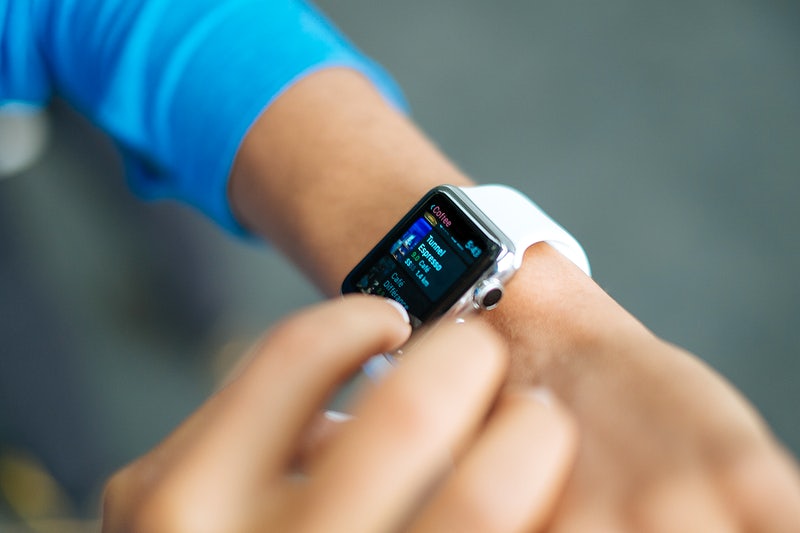
The feature is called Hypertension Notifications. It launched with watchOS 26 in September 2025 and is available on Apple Watch Series 9, 10, and 11, plus Apple Watch Ultra 2 and Ultra 3. No new hardware sensor was added for this. It uses the same optical heart sensor that’s been in the Apple Watch for years, combined with a new machine learning algorithm trained on data from over 100,000 participants.
Here’s the process: the algorithm runs passively in the background, analyzing how your blood vessels respond to each heartbeat by measuring changes in light absorption through your skin. It collects this data continuously while you wear the watch. After a 30-day evaluation period, the algorithm determines whether the pattern it’s detected is consistent with chronic hypertension. If it is, you get a notification.
That’s it. No number. No reading. Just a notification that says, roughly: “your data suggests a pattern of high blood pressure, and you should follow up with your doctor.”
When you receive that notification, Apple recommends you set up a Blood Pressure Log in the Health app and use a traditional blood pressure cuff to measure your pressure twice daily (morning and evening) for 7 days. Those logged readings are what your doctor uses for diagnosis. The Apple Watch flagged the concern. The cuff confirms it.
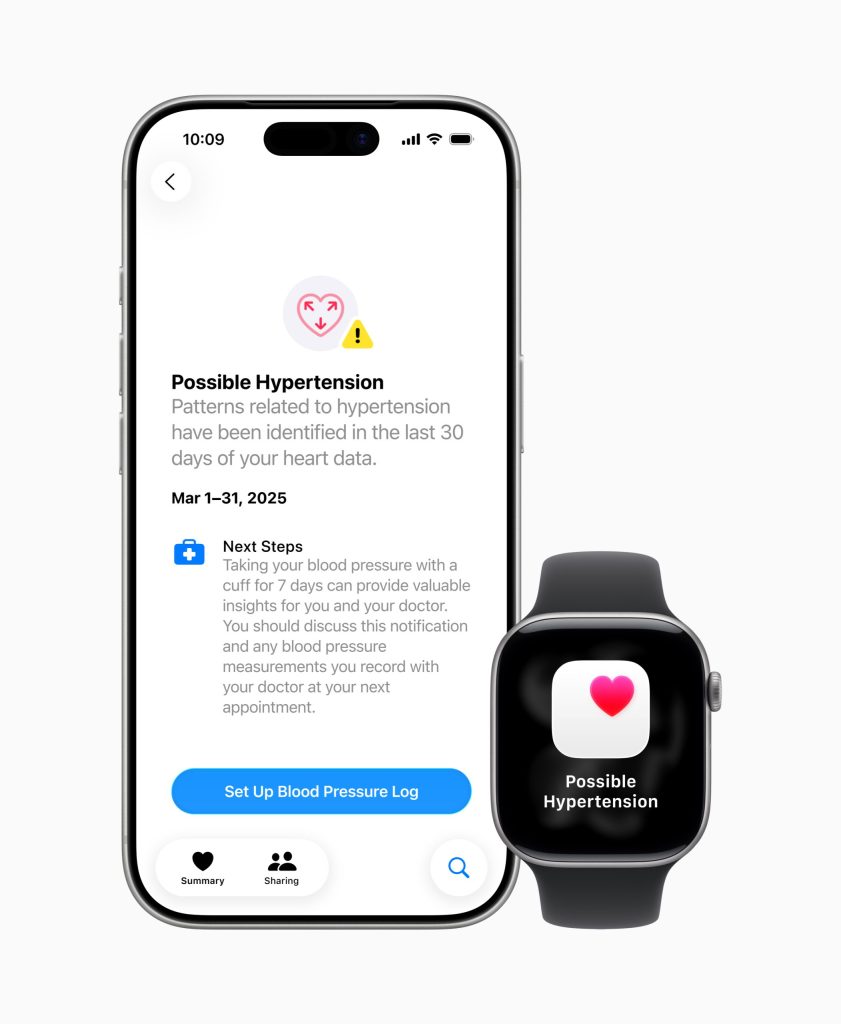
Image: Apple Newsroom
How Accurate Is It?
This is where the numbers get important, and where I want to be completely honest about both the strengths and limitations.
In Apple’s FDA-submitted clinical data, the algorithm correctly identified hypertension in about 41% of people who actually had it (sensitivity of 41.2%). For more severe cases, Stage 2 hypertension, detection improved to about 53%. That means roughly half of people with high blood pressure won’t get a notification. That sounds bad until you understand the flip side.
The specificity was 92.3%, meaning if you DO receive a notification, there’s only about an 8% chance it’s a false alarm. Apple deliberately designed the algorithm to minimize false positives. Missing some cases temporarily is acceptable because the condition develops slowly, a delayed diagnosis is rarely immediately dangerous, and the monitoring runs continuously. If it doesn’t catch you this month, it might catch you next month.
A February 2026 study published in JAMA by researchers from the University of Utah and University of Pennsylvania added important context about how accuracy varies by age. Among adults under 30, receiving an alert raises the probability of having hypertension from 14% to 47%. Among adults over 60, an alert raises it from 45% to 81%. But critically, for older adults, the absence of an alert still leaves a 34% chance of undiagnosed hypertension. The lesson: don’t treat a lack of notification as a clean bill of health, especially if you’re over 50.
Who This Feature Is Actually For
The hypertension notification is designed for one very specific group: people who don’t know they have high blood pressure. That’s a shockingly large population. About half of the 1.3 billion adults with hypertension worldwide are undiagnosed, according to the American Heart Association. Many don’t see a doctor regularly. Many get their blood pressure checked once a year at best. Hypertension has no symptoms until it causes damage.
Apple estimates the feature will notify over 1 million people with undiagnosed hypertension in its first year. That’s a public health intervention at a scale that no doctor’s office visit program could match, even with the algorithm’s limited sensitivity.
The feature is set up with specific eligibility requirements: you must be 22 or older, not pregnant, and not already diagnosed with hypertension. That last requirement is key and reveals the intended use case. This isn’t a monitoring tool for people who already know they have high blood pressure. It’s a screening tool for people who don’t.
Who Still Needs a Traditional Cuff
If you fall into any of these categories, an Apple Watch alone isn’t enough:
You’ve already been diagnosed with hypertension. The feature explicitly excludes you from enrollment. And even if it didn’t, you need actual blood pressure readings to manage your condition: adjusting medications, tracking the effect of lifestyle changes, monitoring for spikes. A notification that says “pattern detected” doesn’t help when you need to know if your number is 135/88 or 165/105.
You’re managing blood pressure with medication. Your doctor needs real numbers at regular intervals to know if your medication is working, if the dose needs adjustment, or if a different drug would be better. This requires a cuff.
You’re pregnant or planning to become pregnant. Apple explicitly excludes pregnant users. Preeclampsia and gestational hypertension require close blood pressure monitoring with actual readings, not pattern detection.
You’re over 60 and haven’t been tested recently. The JAMA study showed that for older adults, the absence of an Apple Watch notification is not very reassuring (still a 34% chance of undiagnosed hypertension). If you’re in this age group, regular cuff-based screening matters more than passive wrist monitoring.
You need clinical-grade accuracy. For medical decision-making, your doctor needs validated, calibrated numbers. The Apple Watch is an excellent early warning system, not a diagnostic tool.
The Samsung Galaxy Watch Comparison
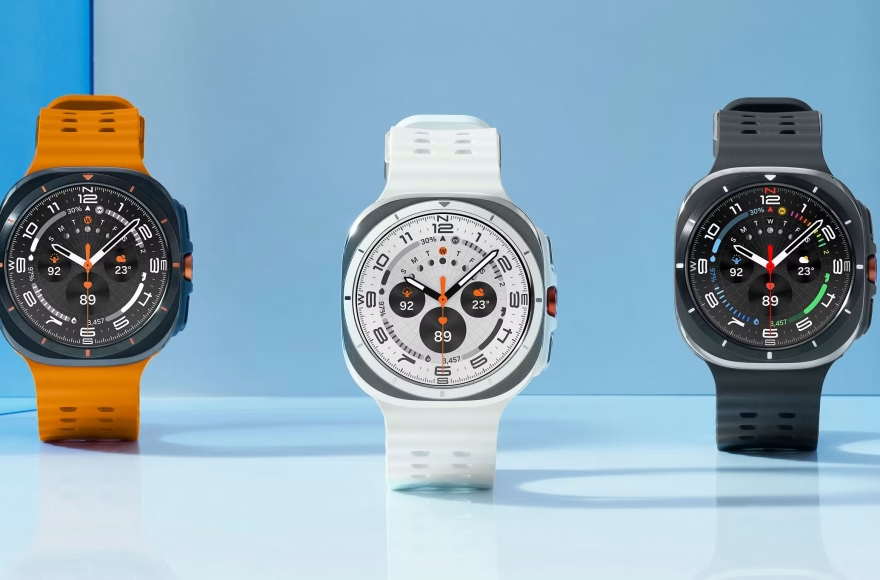
Samsung’s Galaxy Watch 7 and Ultra actually do give you a systolic/diastolic reading. But there’s a catch most people miss: Samsung’s feature requires calibration with a traditional blood pressure cuff every 28 days, and it’s only FDA-cleared in South Korea. In the U.S., it’s classified as a wellness feature, not a medical device. The readings can drift significantly between calibrations, and Samsung recommends not using it as a replacement for a cuff.
So ironically, Apple’s approach, which gives you no number at all, may be more medically responsible than Samsung’s approach, which gives you a number that may or may not be accurate. Apple chose to do less but be more honest about what that “less” means. Whether you prefer Samsung’s approach or Apple’s is a legitimate debate, but understanding the trade-off matters.
My Take
As someone who follows wearable tech closely, I think Apple made the right call with how they designed this. The algorithm is conservative on purpose. It won’t catch everyone, but when it does flag someone, there’s a high probability it’s real. And the 30-day passive monitoring approach means it’s collecting data during normal life: sleeping, working, exercising, stressed, relaxed. That’s actually a more complete picture than the single snapshot you get during a doctor’s visit, where white-coat anxiety can spike your numbers artificially.
But I also think the messaging around this feature has been terrible. Too many headlines say “Apple Watch measures blood pressure” without the critical qualifier that it detects patterns, not numbers. That misunderstanding could lead someone with a family history of hypertension to think their watch is monitoring them when it’s really doing something much more limited.
If you already own a Series 9 or newer, turn on Hypertension Notifications. It costs you nothing and runs in the background. If it flags something, take it seriously and get a proper cuff. If it doesn’t flag anything, don’t assume you’re fine. Still get your blood pressure checked by your doctor, especially if you’re over 40, have a family history, or carry other risk factors.
And if you’re actively managing hypertension, buy a $30 arm cuff (see our best smartwatches for blood pressure monitoring for options that do give readings). The Apple Watch is not a replacement for that. It was never meant to be.
My dad found out he had high blood pressure at 54, completely by accident during a routine checkup he almost skipped. No symptoms, no warning signs, nothing. He’d gone years without a proper check. That’s exactly the kind of situation this feature is designed for, not replacing your doctor, but catching what you’d otherwise miss.
Frequently Asked Questions
Does Apple Watch give you a blood pressure reading?
No. Apple Watch does not display systolic or diastolic blood pressure numbers. The Hypertension Notifications feature analyzes data over 30-day periods and notifies you if it detects a pattern consistent with chronic high blood pressure. It’s a screening tool, not a measuring device.
Which Apple Watch models support blood pressure detection?
Apple Watch Series 9, 10, and 11, plus Apple Watch Ultra 2 and Ultra 3, all support Hypertension Notifications with watchOS 26 or later. The Apple Watch SE does not support this feature. No new sensor hardware is required because it uses the existing optical heart sensor.
How accurate is Apple Watch hypertension detection?
The algorithm detects about 41% of all hypertension cases and 53% of Stage 2 (more severe) hypertension. When it does send a notification, there’s about a 92% chance it’s a genuine finding. A February 2026 JAMA study showed accuracy improves with age: an alert for someone over 60 has an 81% probability of reflecting real hypertension.
Can Apple Watch replace a blood pressure cuff?
No. Apple says this explicitly. The feature is not intended to diagnose, treat, or manage hypertension. If you receive a notification, Apple recommends using a traditional blood pressure cuff for 7 days and sharing the results with your doctor. If you’re already managing hypertension, you need a cuff for ongoing monitoring.
Is Apple’s approach better or worse than Samsung’s?
Different, with trade-offs. Samsung’s Galaxy Watch gives you actual blood pressure numbers but requires regular cuff calibration and isn’t FDA-cleared as a medical device in the U.S. Apple gives you no numbers but offers an FDA-cleared hypertension screening tool that runs passively for 30 days. Apple’s approach is more conservative but arguably more reliable for its intended purpose: catching undiagnosed hypertension.